BYD Qin Plus Dashboard: Language, Phone and Control Checks
A rotating-looking display or familiar menu does not identify the installed system or its regional functions. Build a short stationary demonstration around the controls you need every day and record the result for the selected Qin Plus.
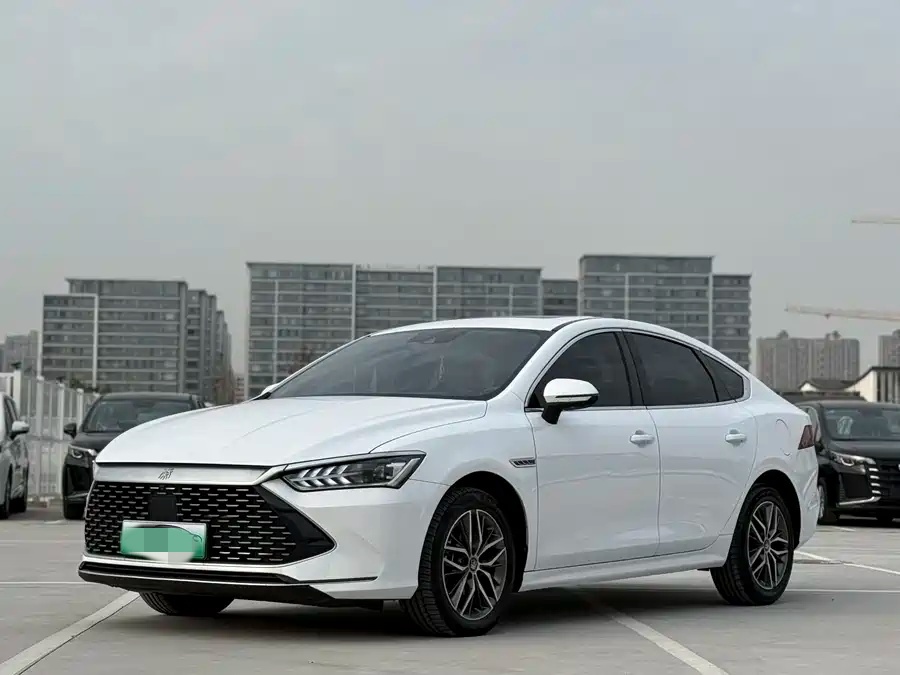
Identify hardware and changes
Confirm factory equipment, production period and installed unit information. Ask whether screens or modules were replaced and request relevant records. A large aftermarket unit does not establish a higher factory grade. Do not infer every function from an archive image or a different model year.
Separate three kinds of connectivity
Car-menu language, phone calls/music and phone app projection are separate questions. Demonstrate each required task using an appropriate phone and cable or wireless method. A USB charging result does not prove data connection. Remote vehicle services and accounts are different again and may have destination limitations.
Related checks: BYD Qin Plus Keys and Digital Access: Pre-Purchase Checks.
Try the controls you use most
While stationary, set climate, demist, audio and your required navigation workflow. Check steering controls, camera/display functions where fitted and any warning. Do not create a dangerous driving situation to test an assistance claim. A visible menu tile is not evidence that all required hardware or activation exists.
Record what works at handover
List installed unit, tested phone, language and connection method with unresolved requirements. Agree the handling of an essential feature that cannot be demonstrated. A promise of future software changes is not completed work; do not use another person account as permanent access or perform unapproved alterations to resolve a sales claim.
What to request before ordering
- Confirm: Identify hardware and changes
- Confirm: Separate three kinds of connectivity
- Confirm: Try the controls you use most
- Confirm: Record what works at handover
Questions buyers ask
Does an English phone map prove the car menu is English?
No. Check the vehicle-menu language separately.
Does Bluetooth music prove app projection?
No. Demonstrate the actual projection function on the installed hardware.